Unlock the Mystery: 10 Fascinating Facts About Your Unique YouTube Channel ID
Ever peeked behind the curtain of your YouTube settings and stumbled across a strange string of letters and numbers that looks nothing like your channel name? That cryptic code is your unique channel ID, and it's way more important than most creators realize. Whether you're troubleshooting a broken link, integrating third-party tools, or just curious about how YouTube's plumbing works, understanding this digital fingerprint can save you hours of headaches. Let's dive into ten things you probably didn't know about your unique YouTube channel ID.
1. It's Not the Same as Your Handle or Custom URL
Your @handle is the friendly name people type into search, and your custom URL is the polished link you share on business cards. The unique channel ID is the raw, unchangeable backbone underneath both. While you can swap handles and tweak URLs, the channel ID stays locked for the life of the channel. Think of it as your channel's social security number versus its nickname.
2. Every Channel ID Starts With "UC"
Here's a fun party trick for YouTube nerds: nearly every channel ID begins with the letters "UC," which stands for "User Channel." Those two characters are followed by a 22-character alphanumeric string. So if you're staring at a 24-character code starting with UC, congratulations—you've found a channel ID in the wild.
3. You Can Find It in Your Channel URL
Want to spot your own ID in seconds? Head to your channel page on desktop, click your profile icon, and open Settings > Advanced settings. Your channel ID is displayed right there, ready to copy. Alternatively, if you visit a channel whose URL looks like youtube.com/channel/UC..., that long string after the slash is the ID itself.
4. Some Channels Have an ID That's Just Their Username
Legacy channels created in YouTube's early days sometimes have IDs that match their original usernames—no "UC" prefix required. These old-school IDs can look deceptively simple, like a plain word or name. If you're hunting for an ID and find something that doesn't fit the usual pattern, you might be looking at a veteran account from the platform's Wild West era.
5. The ID Is What Third-Party Tools Actually Use
Analytics platforms, social media schedulers, and API integrations often ask for your channel ID rather than your handle. Why? Because handles can change, but the ID never does. Plugging your unique ID into tools like TubeBuddy or social blade-style analytics ensures the data lands on the right channel every single time.
6. It Powers Embedded Videos and API Calls
Those embedded players you see across the web? Behind the scenes, YouTube's API leans on channel IDs to organize content, verify ownership, and pull the correct video feeds. If you're a developer building a custom YouTube integration, that 24-character string is your golden key for authenticating and querying channel data.
7. You Can't Change It—Ever
Unlike your display name, banner, or even your handle, the unique channel ID is permanent. Once assigned at channel creation, it's yours for life. This permanence is exactly why it's so valuable: links built with channel IDs won't break even if you rebrand entirely. Choose your channel wisely, because that ID is riding with you forever.
8. Channel IDs Help You Find Impersonators
Scammers love to copy display names and profile pictures to pose as popular creators. The unique channel ID is your best defense. If two channels claim to be the same brand, compare their IDs—impostors can't fake the original's code. Reporting a fake channel? Include the real ID to help YouTube's team sort things out fast.
9. Short Links and QR Codes Rely on It
When you generate a shortened link or QR code for your channel, many services encode the channel ID rather than your handle. That's why these links keep working even after you rename your channel. It's a quiet convenience most creators never notice—until they rebrand and discover their old QR codes still function perfectly.
10. It's Your Channel's Permanent Address on the Internet
Handles get claimed, custom URLs get edited, and display names change with the seasons. Through all of it, the unique channel ID remains a fixed point—a permanent address that tells YouTube exactly who you are. Treat it like a fingerprint: private enough to keep handy, stable enough to build links and integrations around, and unique to you and only you.
YouTube Channel ID Finder ~ Find The Unique Channel ID Of Any YouTube
YouTube Channel ID Finder ~ Find The Unique Channel ID Of Any YouTube ...
YouTube Channel ID Finder – Get Any Channel’s ID Instantly

YouTube Channel ID Finder – Get Any Channel’s ID Instantly
YouTube Channel ID Finder - Extract Channel ID Instantly Free

YouTube Channel ID Finder - Extract Channel ID Instantly Free
How To Find Youtube Channel ID - Tech News
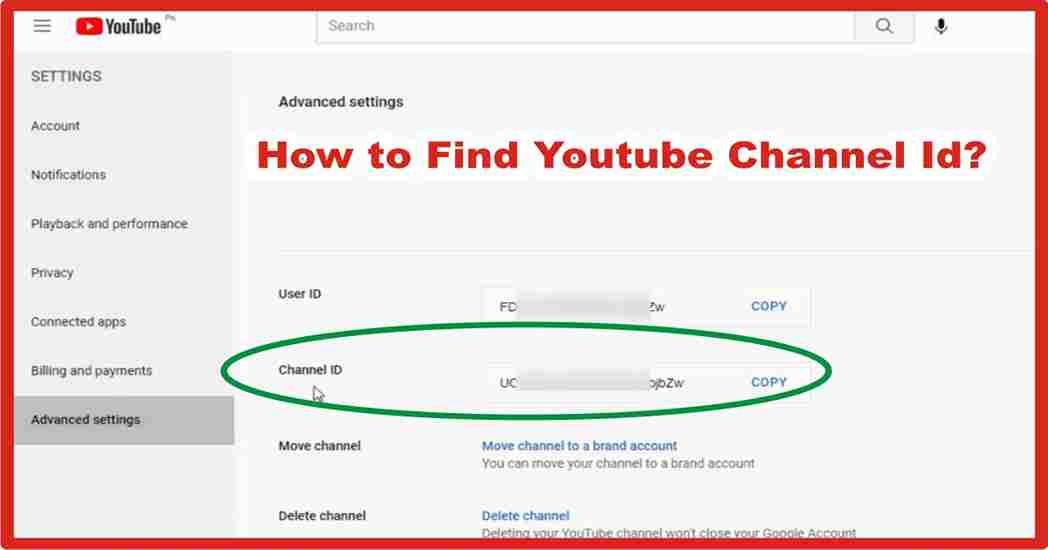
How to Find Youtube Channel ID - Tech News
YouTube 채널 ID 찾기
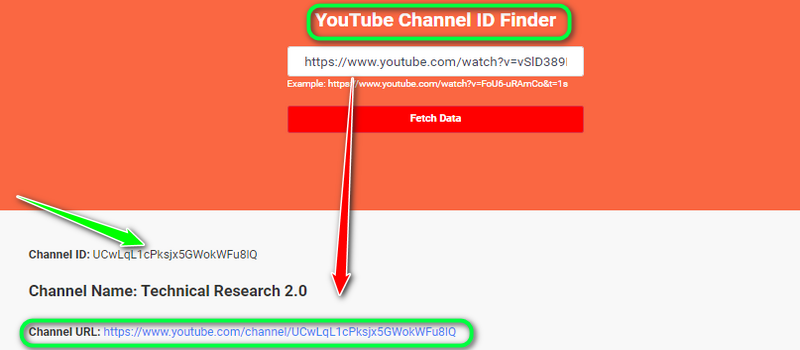
YouTube 채널 ID 찾기
Youtube Channel Id How To Post New YouTube Videos On Facebook | Zapier

Youtube Channel Id How To Post New YouTube Videos On Facebook | Zapier
How To Find Your YouTube Channel ID - Full Guide - YouTube
How To Find Your YouTube Channel ID - Full Guide - YouTube
How To Find Youtube Channel Id – Comment Picker Youtube Channel Id – PZWK

How To Find Youtube Channel Id – Comment Picker Youtube Channel Id – PZWK
Find Youtube Channel Id _ Youtube Finder – AQNY

Find Youtube Channel Id _ Youtube Finder – AQNY
How To Find Your YouTube Channel ID On Mobile | Easy Tutorial [ Android
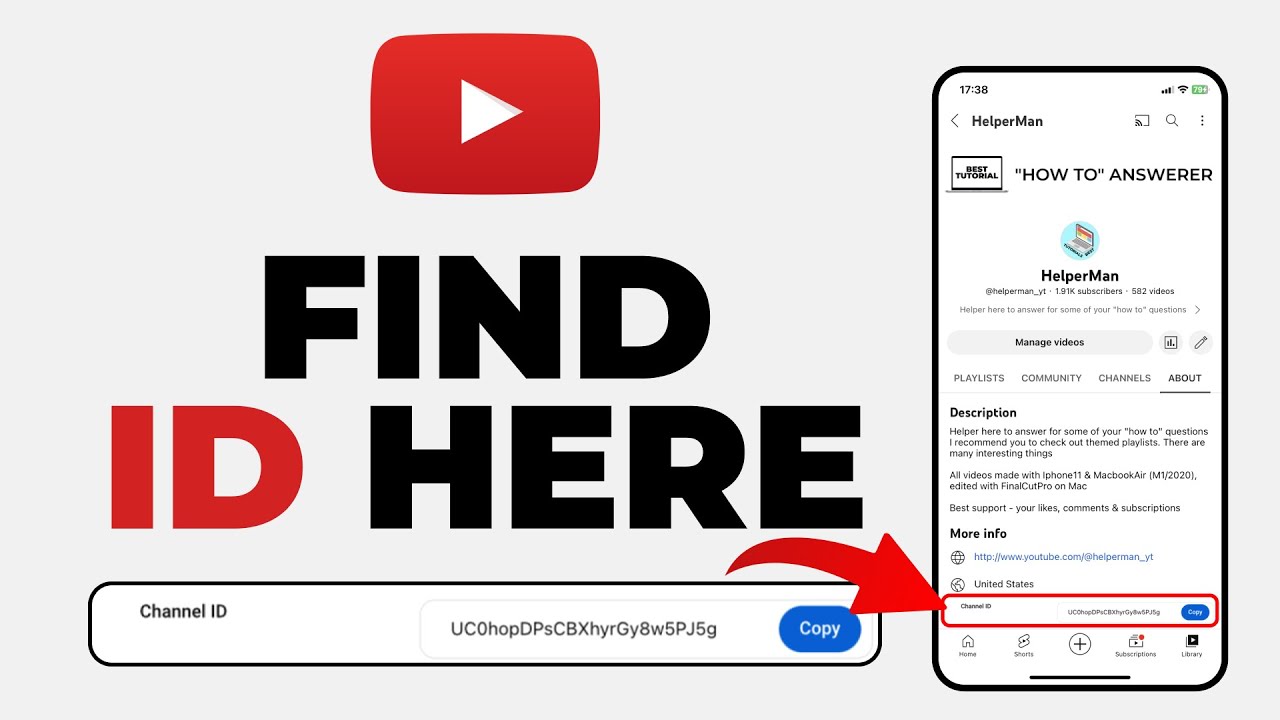
How To Find Your YouTube Channel ID on Mobile | Easy Tutorial [ Android ...
How To Find Your YouTube Channel Id & User ID (2024) - YouTube

How To Find Your YouTube Channel Id & User ID (2024) - YouTube
How To Get YouTube Channel ID - YouTube

How to Get YouTube Channel ID - YouTube
How To Set Custom URL YouTube Channel | Create Unique Channel ID In YT

How To Set Custom URL YouTube Channel | Create Unique Channel ID in YT ...
How To Find Youtube Channel Id On Iphone At Jean Begaye Blog

How To Find Youtube Channel Id On Iphone at Jean Begaye blog
How To Find Your YouTube Channel ID: A Step-by-Step Guide

How to Find Your YouTube Channel ID: A Step-by-Step Guide
How To Find YouTube Channel ID & User ID [NEW METHOD] - YouTube
![How To Find YouTube Channel ID & User ID [NEW METHOD] - YouTube](https://i.ytimg.com/vi/keoJR-Tbcmc/hqdefault.jpg)
How To Find YouTube Channel ID & User ID [NEW METHOD] - YouTube
How To Find A YouTube Channel ID – IFTTT Help Center
How to find a YouTube Channel ID – IFTTT Help Center
YouTube Channel ID Finder - Extract Channel ID Instantly Free

YouTube Channel ID Finder - Extract Channel ID Instantly Free
What Is YouTube Channel ID? - SearchInventure

What Is YouTube Channel ID? - SearchInventure
Free YouTube Channel ID Finder (2026) | CollabPals

Free YouTube Channel ID Finder (2026) | CollabPals
YouTube Channel ID From URL - Free, Online | CleverTools
YouTube Channel ID from URL - Free, Online | CleverTools
How To See YouTube Channel ID And User ID From YouTube Channel 2023 | F

how to see YouTube channel ID and user ID from YouTube channel 2023 | F ...
How To Find YouTube Channel ID And User ID [Step-by-Step Tutorial

How to Find YouTube Channel ID and User ID [Step-by-Step Tutorial ...
How To Find Your YouTube Channel ID & Submit It For Approval - Help Desk

How to Find Your YouTube Channel ID & Submit it For Approval - Help Desk
How To Find Your YouTube Channel ID: A Step-by-Step Guide - YouTube

How to Find Your YouTube Channel ID: A Step-by-Step Guide - YouTube
YouTube Channel ID And User ID [What Is It? & How To Use It] – Alan
![YouTube Channel ID and User ID [What is it? & How to use it] – Alan](https://alanspicer.com/wp-content/uploads/2022/12/youtube-channel-id-and-user-id-what-is-it-how-to-use-it-1200x675.jpg)
YouTube Channel ID and User ID [What is it? & How to use it] – Alan ...
How To Find YouTube Channel ID On Mobile (iPhone & Android Guide)
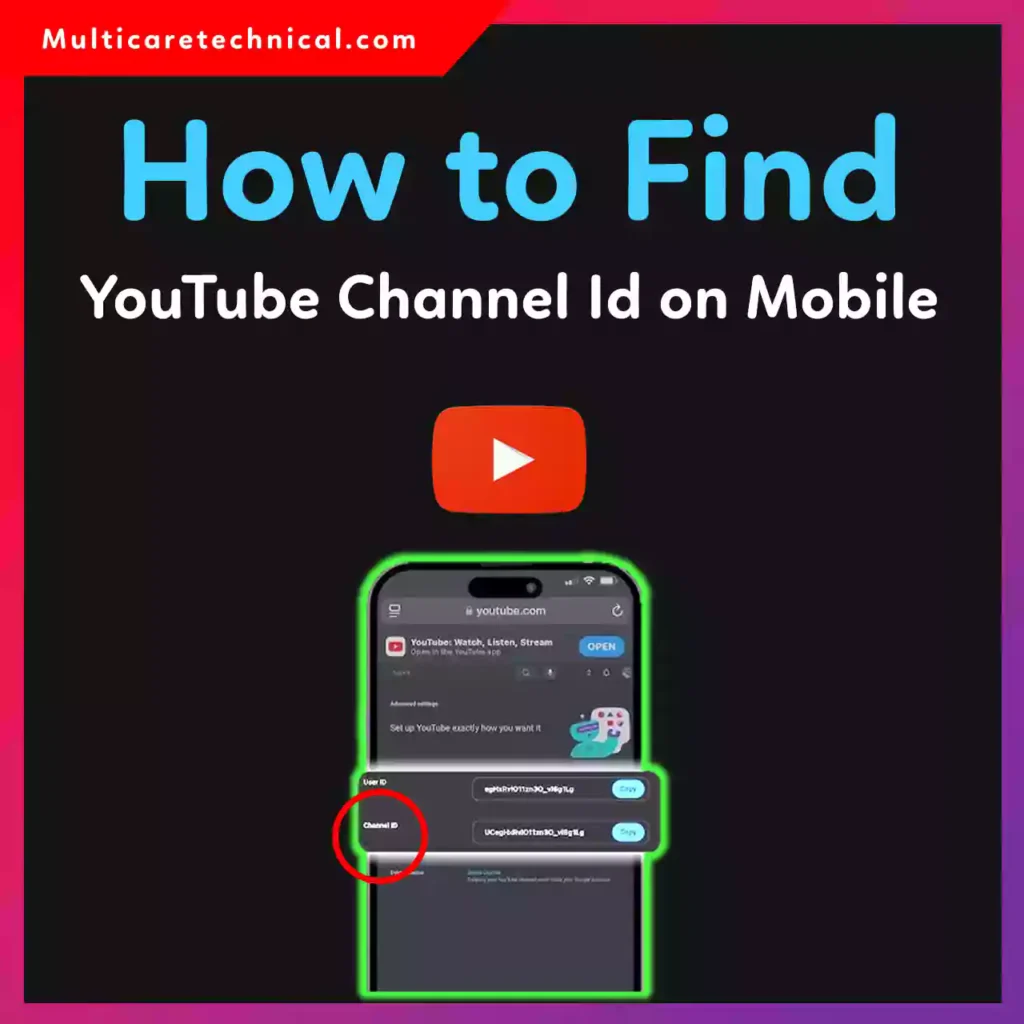
How to Find YouTube Channel ID on Mobile (iPhone & Android Guide)
How To Find Youtube Channel Id | How To See User ID And Channel ID On

how to find youtube channel id | How To See User ID And Channel ID On ...
How To Find YouTube Channel ID And User ID { In Just A Few Clicks

How to Find YouTube Channel ID and User ID { in just a Few Clicks ...
YouTube Channel ID Finder - Musicfetch
YouTube Channel ID Finder - Musicfetch
How To Find Youtube Channel Id On Iphone At Jean Begaye Blog

How To Find Youtube Channel Id On Iphone at Jean Begaye blog
YouTube Channel ID Finder – Get Channel IDs Fast

YouTube Channel ID Finder – Get Channel IDs Fast
FIND Your YouTube Channel ID And User ID FAST & EASY (Complete Guide

FIND Your YouTube Channel ID and User ID FAST & EASY (Complete Guide ...