9 Discord Server Roles You Need for a Happy, Organized Community
If you've ever set up a Discord server, you know the struggle: you start with a couple of default roles, invite a few friends, and suddenly your cozy little hangout has fifty members and zero structure. I've been there myself, and honestly, the difference between a chaotic server and a thriving one almost always comes down to roles. Over the years, I've built and rebuilt more servers than I care to admit, and I've landed on a core set of roles that just work. So here's my personal list of the Discord server roles I think every community should have — grab a coffee and let's get into it.
1. Server Owner
Yes, I know Discord already gives you an Owner role by default, but hear me out. Treat this as your absolute top-tier role and lock its permissions down tight. I keep mine at the very top of the hierarchy, enable every permission, and enable two-factor authentication on my account. This role should be visible, clearly labeled, and given to exactly one person — you. Don't hand this out to friends, no matter how much you trust them. It's the anchor of your entire server structure.
2. Administrator
This is your right-hand role. I only give Admin to people I'd trust with my house keys — typically one or two long-time moderators who help me run things day to day. Admins can manage roles, channels, and settings, so it's powerful stuff. My tip: create a custom "Admin" role instead of handing out Discord's built-in Administrator permission blindly. That way you can fine-tune exactly what they can touch, and you always retain final say.
3. Moderator
Mods are the backbone of any active server. I give them permissions to delete messages, kick and timeout members, and manage threads — but not ban without checking in. In my experience, having a clear Mod role keeps the power dynamic healthy. New members know exactly who to ping when something goes wrong, and mods feel empowered without stepping on each other's toes. Pro tip: color-code this role so it stands out in the member list.
4. Staff Team
I separate general staff from mods because not everyone on your team moderates. Some people run events, write announcements, or handle partnerships. A dedicated Staff role lets those folks access private staff channels and represent the server without wielding a ban hammer. I usually give Staff a distinct color and a little icon in the member list so the community can spot them instantly. It builds trust and makes your team feel appreciated.
5. Bot Role
If you run bots — and let's be honest, you probably do — give them their own role. I learned this the hard way after a music bot got accidentally muted by a permission conflict. A dedicated Bots role with the right permissions keeps everything running smoothly, and it makes troubleshooting way easier. I also keep my bot role below staff roles in the hierarchy so bots can never accidentally outrank a human moderator.
6. Event Host
My favorite addition in recent years. If your server runs movie nights, game tournaments, or AMAs, an Event Host role is a lifesaver. I give these folks permission to post in announcement channels, ping @everyone for their events, and manage event-specific channels. It takes the pressure off admins and lets enthusiastic community members take ownership of the fun stuff. Honestly, it's turned some of my quietest members into the life of the party.
7. Verified Member
This one's a game-changer for security. I set up a verification gate where new members land in a "New Arrivals" role with limited access, then earn the Verified Member role by agreeing to the rules or solving a simple captcha bot check. It stops spam bots cold and gives newcomers a gentle onboarding moment. Once verified, they unlock the main channels. Simple, effective, and it keeps out the riffraff.
8. Active Member
I'm a big fan of rewarding participation. An Active Member role — sometimes called Regular or Veteran — gets handed out automatically by a bot after someone hits a certain message count or time on the server. Members get a shiny color and access to a couple of exclusive channels. I've watched this single role dramatically boost engagement because people genuinely want that badge next to their name. It costs you nothing and builds community loyalty.
9. Muted Role
Last but definitely not least: the Muted role. Every server needs a calm, consistent way to handle rule-breakers without an instant ban. I have a Muted role set up so it blocks sending messages and speaking in voice channels, but still lets the person read and appeal. It's the timeout corner of your server. Trust me, having this ready before drama hits saves you a frantic midnight permissions panic.
That's my list! You don't need all nine on day one, but as your server grows, you'll thank yourself for building a role hierarchy that's clean, safe, and a little bit fun. Start small, color-code everything, and always keep the Owner role close to your chest. Happy moderating!
Roles – Discord

Roles – Discord
How To Make Roles In Discord - Add Roles To Server - SlurpTech

How to Make Roles in Discord - Add Roles to Server - SlurpTech
Discord Color Roles Template

Discord Color Roles Template
9 Powerful Tips To Master Discord Roles And Manage Your Server Like A

9 Powerful Tips to Master Discord Roles and Manage Your Server Like a ...
Discord: How To Create Server Roles On Desktop
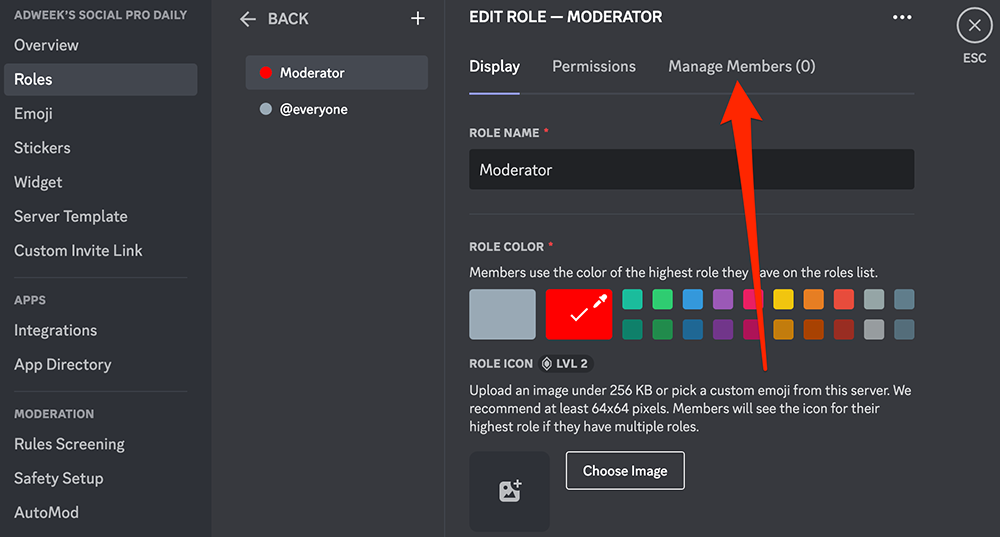
Discord: How to Create Server Roles on Desktop
Baby Blue Discord Server Template | 50+ Roles 25+ Channels | Cozy
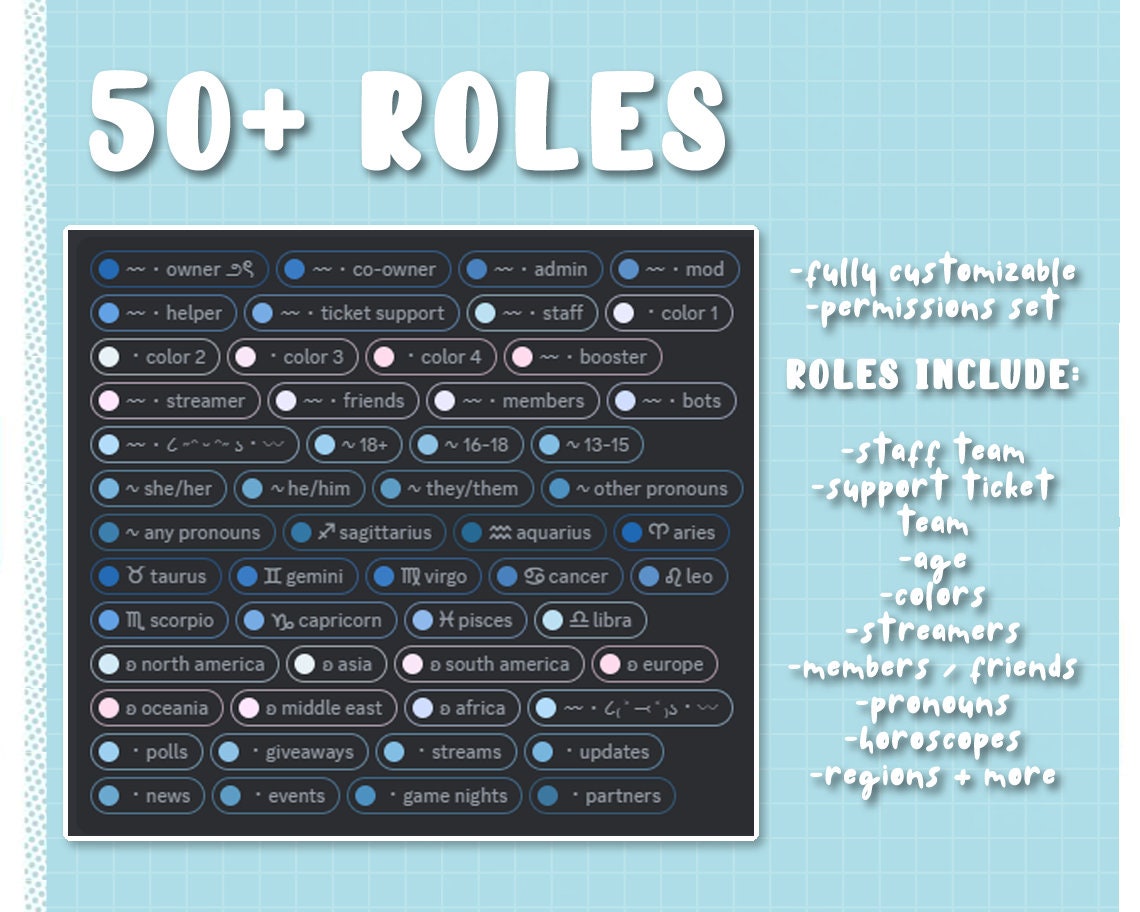
Baby Blue Discord Server Template | 50+ Roles 25+ Channels | Cozy ...
Discover 16 Discord Server Roles Ideas And Discord Channels Ideas

Discover 16 Discord Server Roles Ideas and Discord Channels Ideas ...
How To Create Server Roles In Discord - GeeksforGeeks
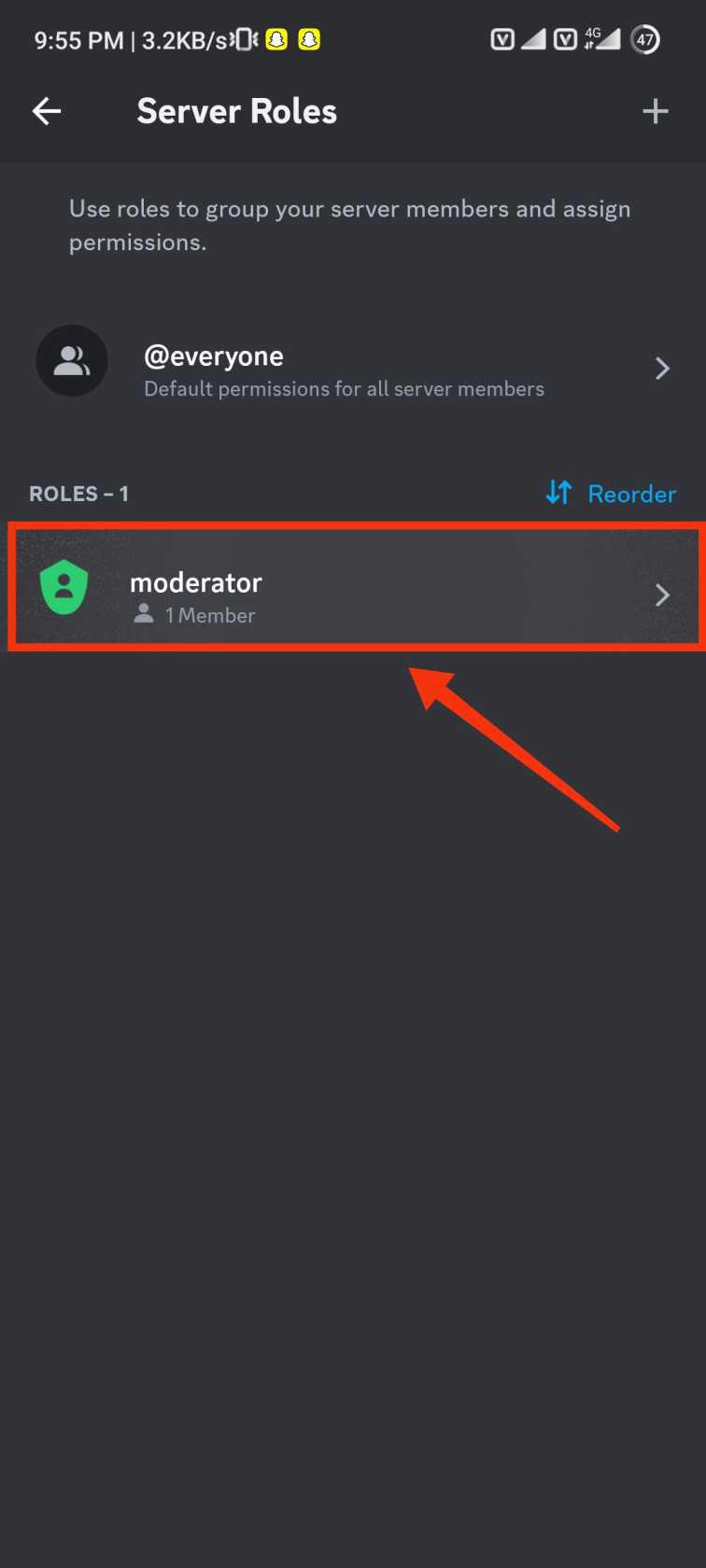
How to Create Server Roles in Discord - GeeksforGeeks
Minimalistic Purple Theme Discord Server Template | 50+ Channels And

Minimalistic Purple Theme Discord Server Template | 50+ Channels and ...
How To Create A Discord Server For Small Business In 15 Min
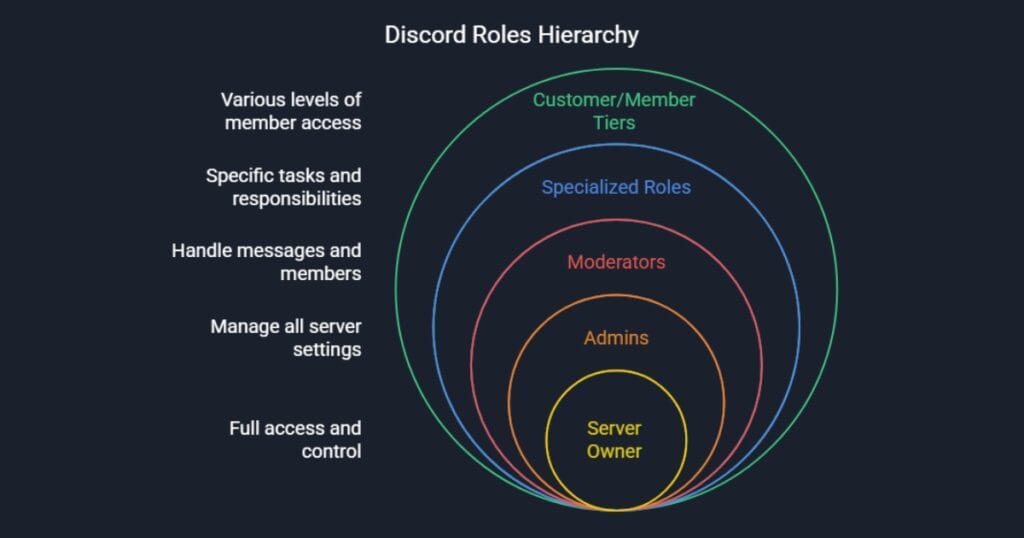
How to Create a Discord Server for Small Business in 15 min ...
Pin By ˚。⋆୨୧˚juli On ღ Aesthetically ღ | Discord Server Roles Ideas

Pin by ˚。⋆୨୧˚juli on ღ aesthetically ღ | Discord server roles ideas ...
Roles Discord Template

Roles Discord Template
10 Steps To Build A Top-Tier Discord Server For Your Open Source

10 Steps to Build a Top-Tier Discord Server for Your Open Source ...
Discord: How To Create Server Roles On Desktop

Discord: How to Create Server Roles on Desktop
Manager#0001 / Add Me To Win Nitro | Discord, Discord Server Roles

manager#0001 / add me to win nitro | Discord, Discord server roles ...
Roles Category – Discord

roles category – Discord
How To Add Roles In Discord Manually Or With Bots

How to Add Roles in Discord Manually or with Bots
How To Add Roles In Discord Manually Or With Bots

How to Add Roles in Discord Manually or with Bots
How To Set Up Discord Roles: A Step-by-Step Guide To Organizing Your

How to Set Up Discord Roles: A Step-by-Step Guide to Organizing Your ...
87 Roles For Your Discord Server | Nomes Para Dc, Nomes De Discord

87 Roles for Your Discord Server | Nomes para dc, Nomes de discord ...
Discord Server Role Management – NMSMJK
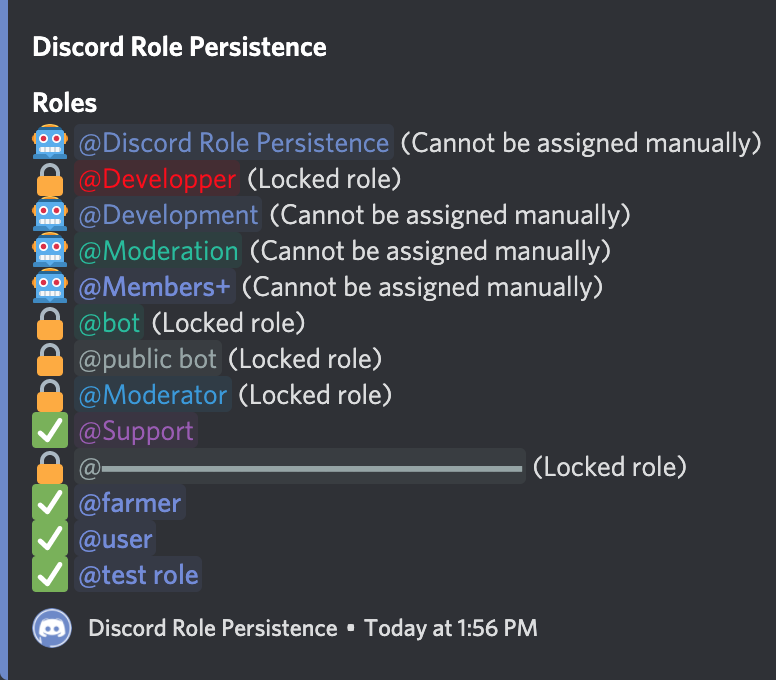
Discord Server Role Management – NMSMJK
How To Create Roles In Discord - Techozu
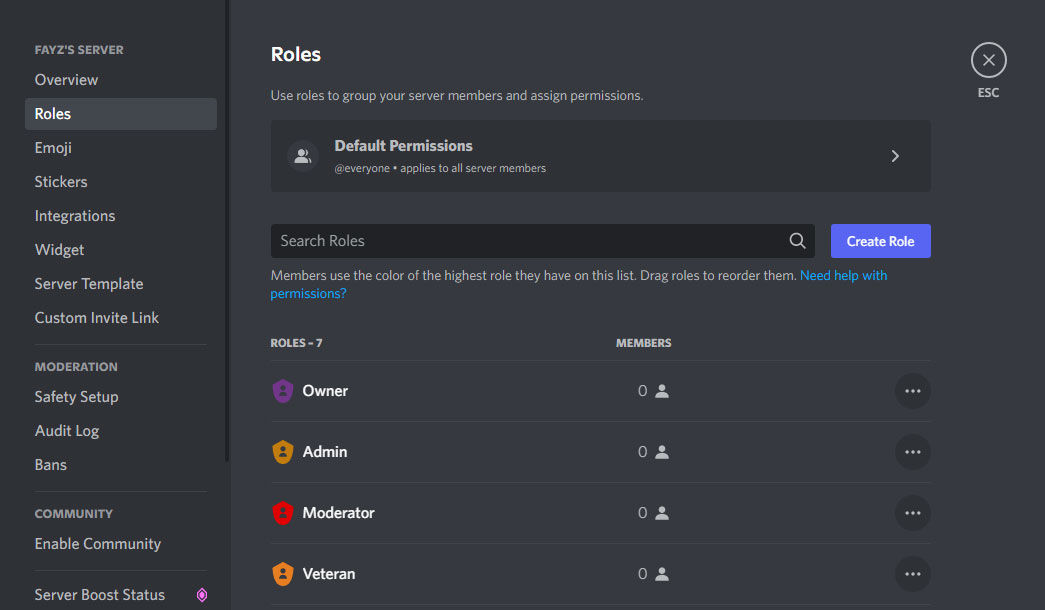
How to Create Roles in Discord - Techozu
Discord Roles And Channels - Equestria At War Wiki
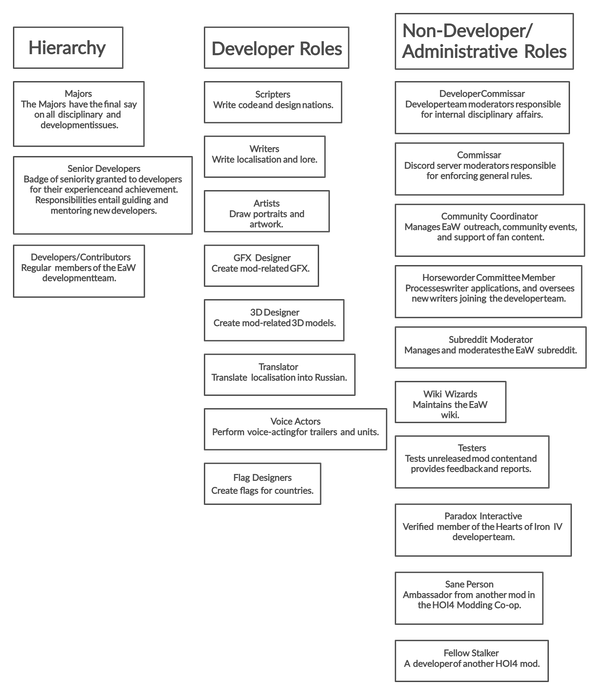
Discord Roles and Channels - Equestria at War Wiki
How To Make Roles In Discord - Ultimate Guide To Discord Roles
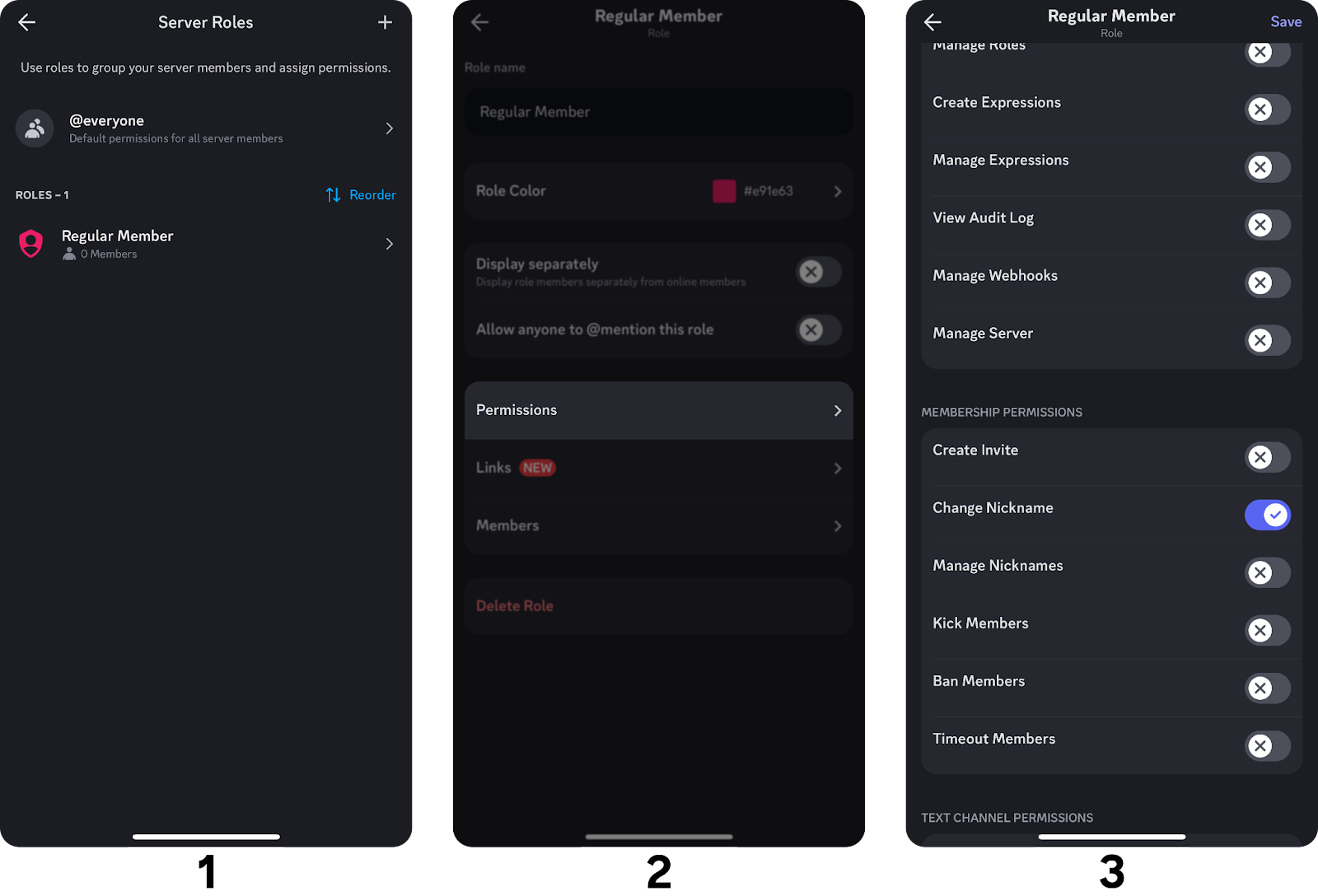
How to make roles in Discord - Ultimate guide to Discord roles
Change User/Roles Interface – Discord

Change User/Roles Interface – Discord
Discord Server Roles Ideas For Community Engagement
.png)
Discord Server Roles Ideas for Community Engagement
Discord Max Roles – Gestion Des Rôles Discord – UCBM

Discord Max Roles – Gestion Des Rôles Discord – UCBM